
Brookhaven Video Patterns That Matter
An article about the video formats that actually help Brookhaven players, the expectations those formats create, and how to use clips without letting them replace the game or the guide.
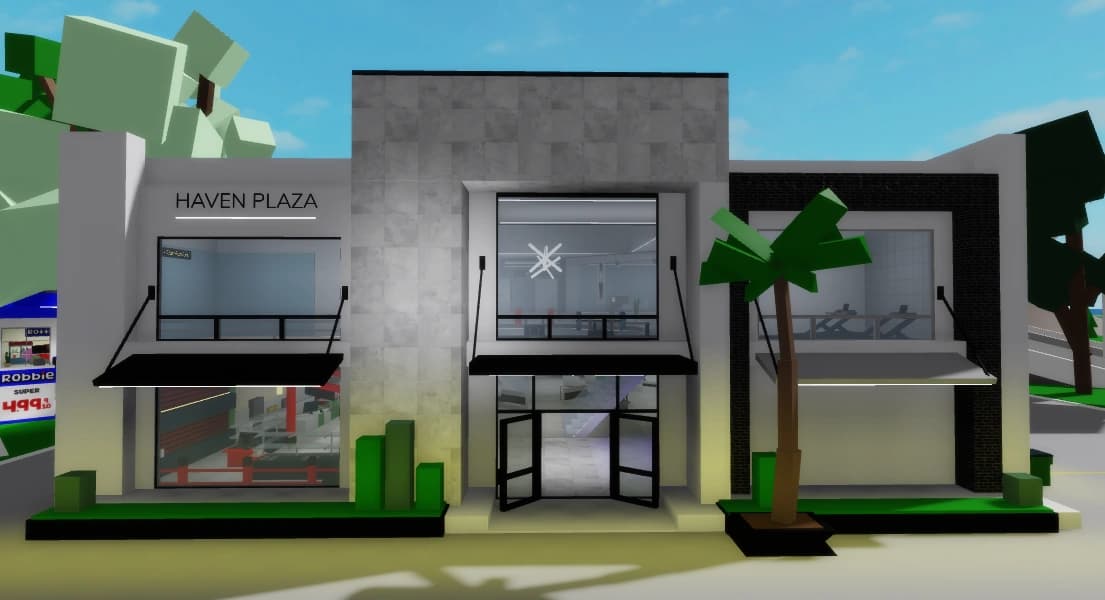
Brookhaven is one of those games where the video layer shapes player expectations almost as much as the map itself, which is why understanding clip patterns can save a surprising amount of time.
Key takeaways
- Videos are strongest when they help players choose a next page or next route.
- Different video formats shape different expectations about what Brookhaven is supposed to be.
- The smartest workflow is clip for signal, guide for structure, session for confirmation.
Why clips matter so much in Brookhaven
Some games are primarily learned through systems. Brookhaven is often learned through scenes that players watch first.
Many people meet Brookhaven through short clips, thumbnails, or recap videos before they ever spend time reading a guide. That matters because the first impression is not just about information. It is about tone. Videos teach players whether Brookhaven looks social, mysterious, update-heavy, cozy, chaotic, or family-focused.
Because of that, video habits do more than market the game. They quietly tell players what kinds of sessions are normal and what kinds of places matter. That is why school, hospital, lake-side mystery clips, and update event videos can keep shaping player expectations long after a specific clip goes stale.
- Clips set the emotional frame for new players quickly.
- Popular formats influence which locations feel important.
- Video habits can inflate certain lanes and hide others.
- A guide works better when it understands the expectations clips already created.
The video formats that genuinely help players
Not every Brookhaven clip is just noise. Some formats still do real work for players.
Current update recaps help because they compress freshness into a short check. Secret hotspot compilations help when they confirm which locations are worth remembering, even if they should not be trusted as exact truth forever. Roleplay setup clips help because they show what a usable premise looks like in motion rather than explaining it abstractly.
The useful formats all share something important: they reduce uncertainty about a next action. They tell the player which page to open, which route to test, or which kind of session might fit their group. The less a clip helps with that, the more likely it is to be entertainment first and guidance second.
- Recent update recaps can be useful when they show clear dates and current framing.
- Secret hotspot videos can confirm which places deserve memory.
- Roleplay setup clips can demonstrate pace and premise better than pure text.
- Short, concrete formats tend to help more than broad vague commentary.
How videos distort expectations
The same formats that help players can also quietly teach the wrong lesson.
Family roleplay clips can make Brookhaven look more emotionally scripted than it usually is. Secret compilations can make the city seem denser with guaranteed discoveries than it really is. Update hype videos can make temporary changes look more permanent, central, or game-defining than they are.
That distortion becomes expensive when players stop distinguishing between signal and theater. A clip may capture the mood of Brookhaven correctly while still overstating the certainty of a route or the permanence of a reward. Knowing that difference is what turns videos into support material instead of misinformation.
- Roleplay clips often exaggerate how naturally scenes appear without setup.
- Secret videos often compress rumor, certainty, and speculation into one package.
- Update clips often overstate temporary content because launch energy is high.
- Good video reading requires separating mood accuracy from factual accuracy.
A better workflow for using videos
The safest and most useful way to use Brookhaven clips is as the first signal, not the last word.
Watch one recent clip to see what topic is hot, what location is recurring, or what kind of player job is being emphasized. Then move to a guide or page that organizes that information into a decision. Finally, bring the result back into the game and test whether the route, location, or scene idea still works under current conditions.
That workflow matters because it gives each medium a job. The clip gives momentum, the guide gives structure, and the session gives verification. Once you use them in that order, videos stop replacing the guide and start helping the guide do its job better.
- Use clips to detect current signals and repeated themes.
- Use guides to turn those signals into a cleaner next step.
- Use the game session to verify what still holds up live.
- Do not let one entertaining clip become your entire reading of the game.
Clip for signal, guide for structure, session for proof is a much stronger workflow than clip alone.